Designing for AI
How should a system express what it doesn’t know? How do we build confidence in automated decisions? How do we prevent harm?
An uncertain suggestion can be useful if it’s easy to check and correct. Even a confident one may need approval if a mistake would be costly. Previews, controls and feedback should reflect that distinction, directing attention where it matters most.
Trust in a process depends on evidence: who or what suggested a change, what informed it, and how it can be checked. Systems should show their working.
When results change between runs, those changes should be visible. Human work should never be silently undone. People should control what automation can access and change, and be able to trace what it did.
As AI takes on more of the work, design must keep asking: where in the loop does the human need to be?
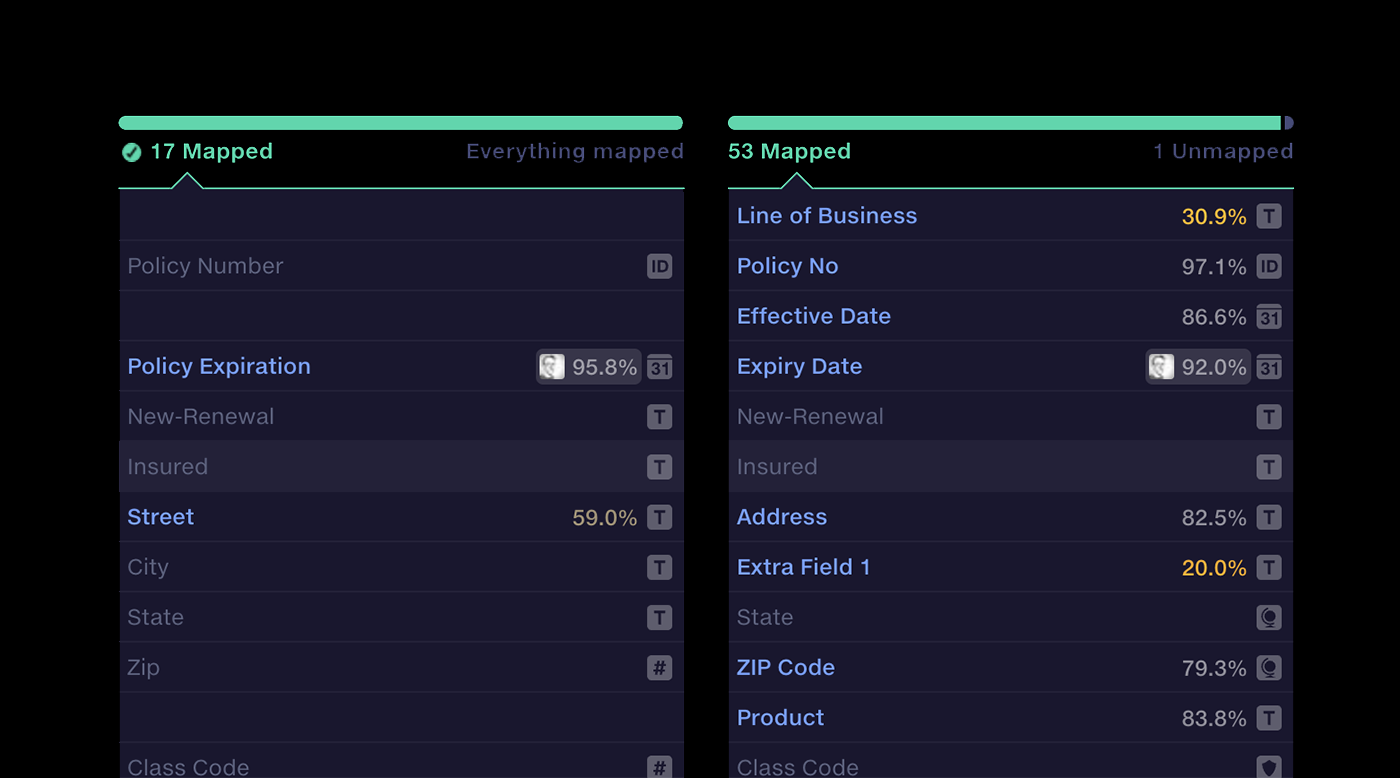
 Column mapping
Mapping inconsistent schemas at scale
Translate inconsistent data sources to a common target format, fully automated and enhanced by AI suggestions.
Interaction designHuman-in-the-loop
Column mapping
Mapping inconsistent schemas at scale
Translate inconsistent data sources to a common target format, fully automated and enhanced by AI suggestions.
Interaction designHuman-in-the-loop
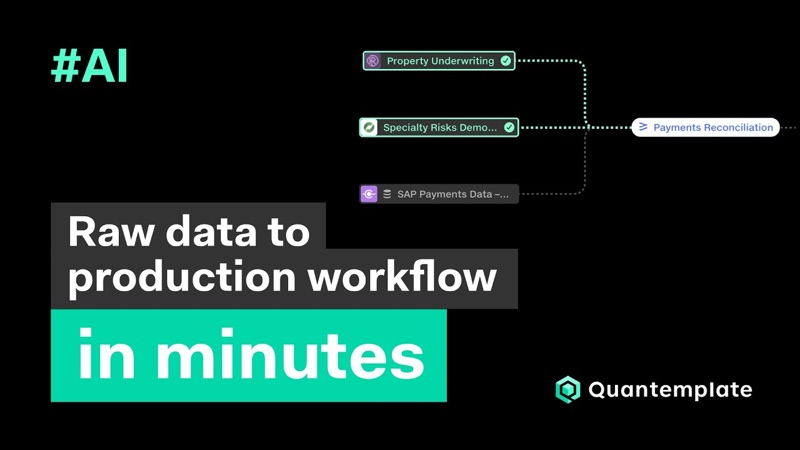 From raw data to production workflow in minutes with AI pipelines
Watch on YouTube
From raw data to production workflow in minutes with AI pipelines
Watch on YouTube
Designing with AI
For complex projects like Quantemplate, I’m an advocate of getting a working imperfect version into users’ hands early. We need to see how the tools work with real data, in a real context. AI shortens this feedback loop dramatically. Code is now a malleable design material that designers can rapidly shape and test.
I built this portfolio with Claude Code. I have a working knowledge of web development, but using AI helped me get something real stood up faster. I could test how something would look, without building a mockup. And I could spend more time thinking about content, interaction and design and less time debugging nested divs.
Aside from Claude, I’ve found Lovable to be a great tool for getting rough prototypes up and working with realistic data in minutes, so we can test interaction patterns. I’m excited about where these tools can take us.
In this example I used Lovable to test how users could find and sort datasets designated as ‘data dictionaries’. I explored placing the filter in the sidebar or the top ribbon, and sorting by properties unique to data dictionaries.
The prototype revealed a conflict between dictionary-specific sorting and the main dataset sort setting. I made the dictionary sort behave like a removable filter: users could see when it was active and clear it to return to the main sort order.
Working with realistic data exposed an issue that would have been harder to spot in a conventional click-through prototype.